
To activate WeChat Pay or Alipay, go to MemberPress > Settings > Payments.
Click on the “+” sign, then select either "WeChat Pay via Stripe" or “Alipay via Stripe”. Then click on “Update Options.”

After you've activated WeChat Pay and Alipay for MemberPress in the MemberPress Payment Settings, the payment methods will appear on the front-end:

For Alipay, customers will be redirected to the Alipay website or Alipay mobile app to complete payment.
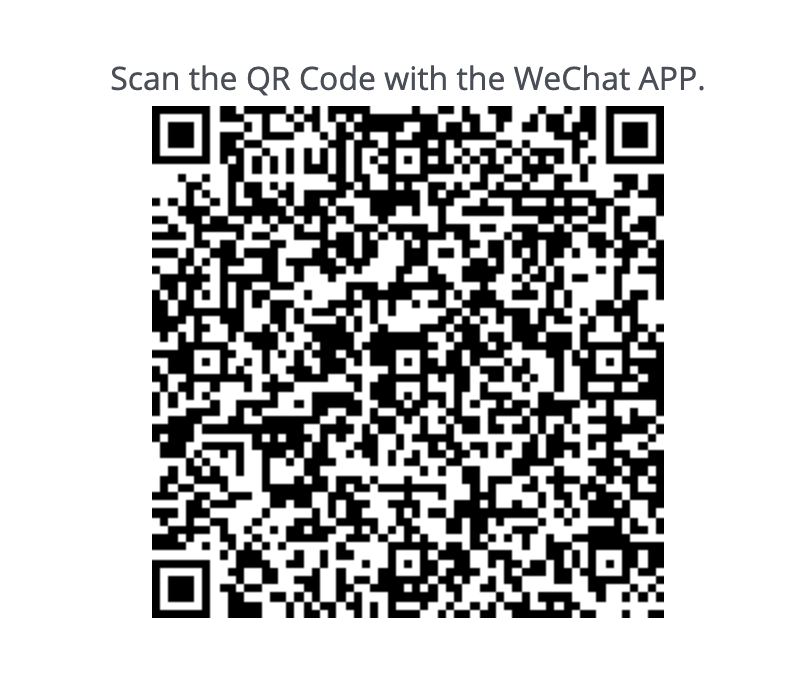
For WeChat Pay, customers will be redirected to scan a QR code - they should physically scan the QR code with the WeChat Mobile app camera function:
Upon payment completion, customers will be redirected to the payment confirmation page, where they can then login to take advantage of their new Membership.